Help Desk Services
Raise Customer Service to the Next Level
Reinvent your SaaS help desk with everything you need — ticket management across multiple channels, process automation, SLA tracking, reporting and more.
Our Delivery Process
Setup
Configure omnichannel ticket intake, automated round-robin assignment rules, and SLA timeframes.
Operations
Enable team collaboration with multi-assignment, mentions, and performance reports.
Self-Service
Deploy the customer portal and knowledge base to reduce ticket volume automatically.
Everything you need for Help Desk management
A complete, integrated ERP system designed specifically for help desk operations — covering every critical workflow in one unified platform.
Level Up with Real-Time Insights
ERPNext includes configurable dashboards to help you streamline service issues. Real-time insights help you identify bottlenecks and implement best practices faster in your SaaS help desk.
Omnichannel Interactions
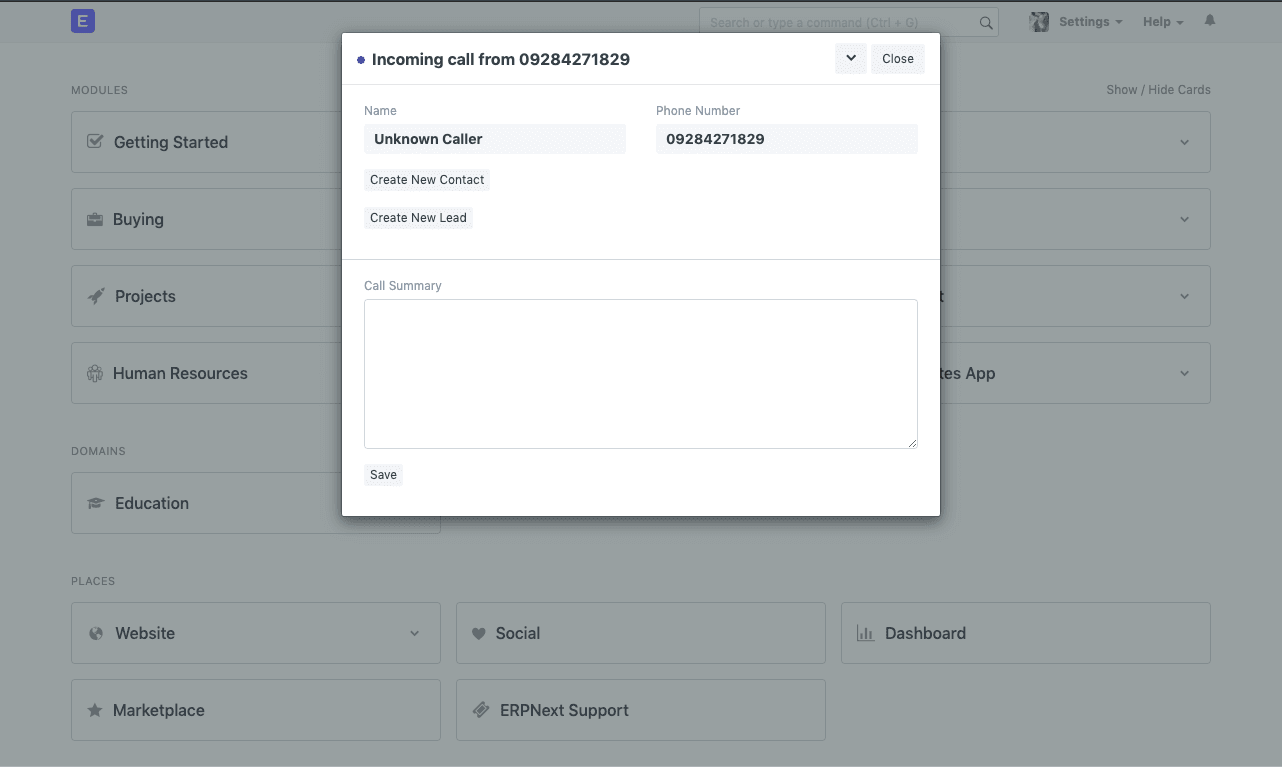
Don't miss support calls from your customers. ERPNext makes it easy to convert all interactions into data so your support team doesn't have to juggle between apps. With Call Popup, you can receive live notifications of incoming calls on your desktop. You can also turn emails in your inbox into tickets with this open source SaaS help desk software.
Automate Ticket Assignments
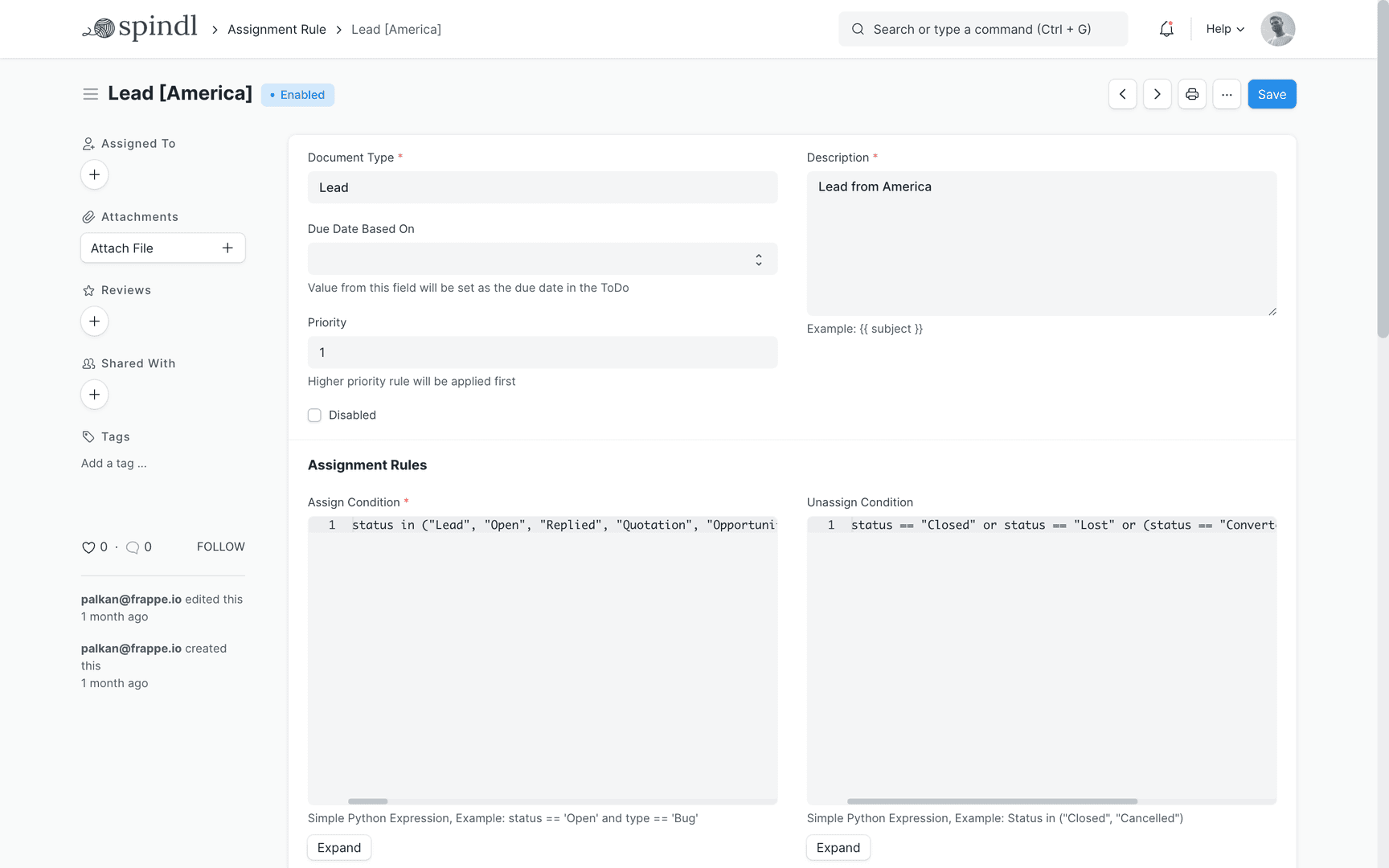
Reduce overhead of manual work by setting up assignment rules (such as round robin or load balancing) to automatically assign tickets among the team. This leaves more time to respond to customers, empowering your SaaS help desk to meet commitments on time.
Team Excellence
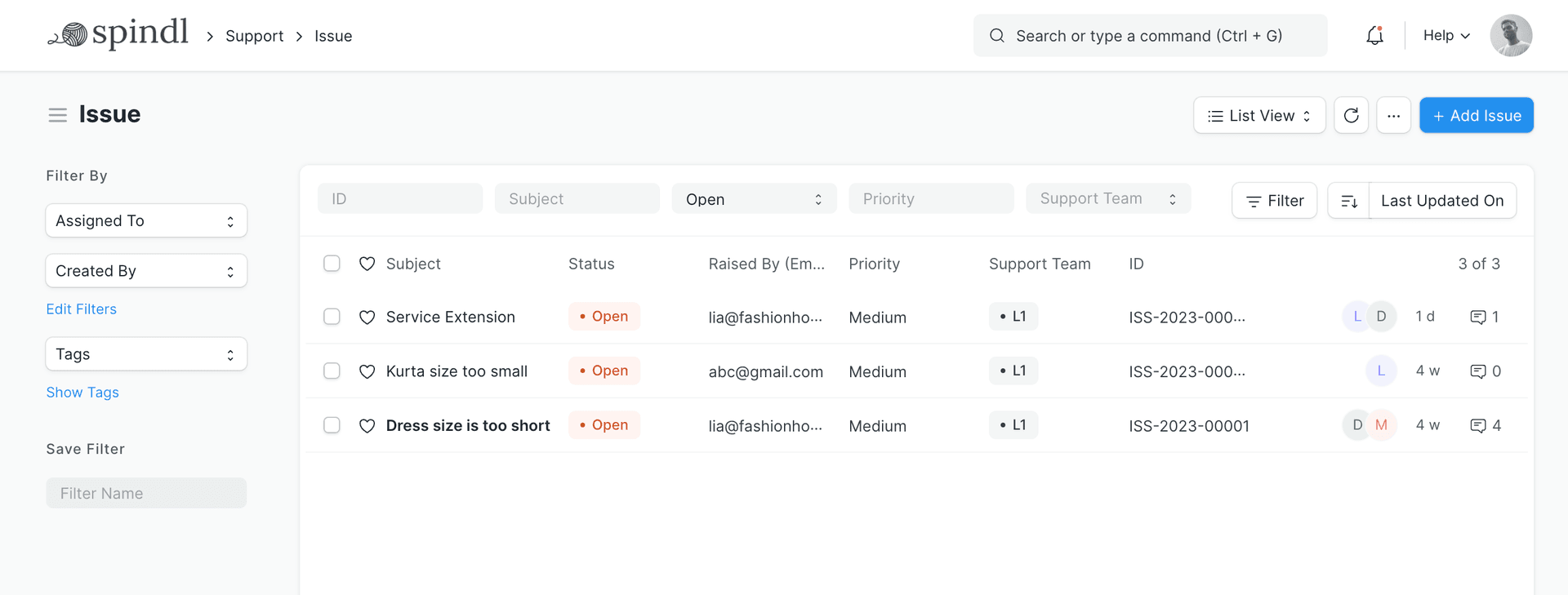
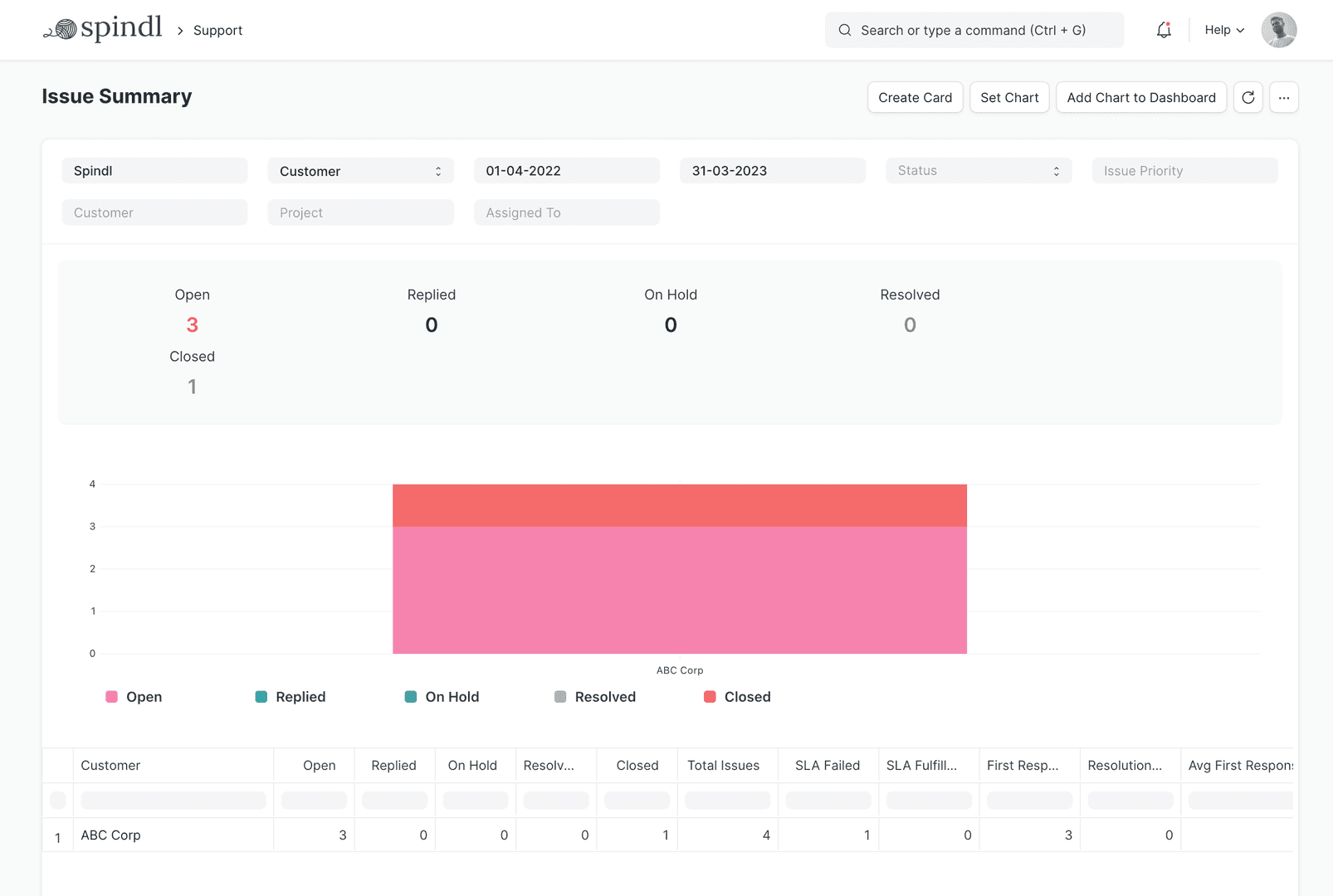
Collaborate to address support tickets with multiple assignments or mentions. ERPNext includes out-of-the-box reports to monitor the performance of your support team and analyze ticket traffic (including open and closed tickets).
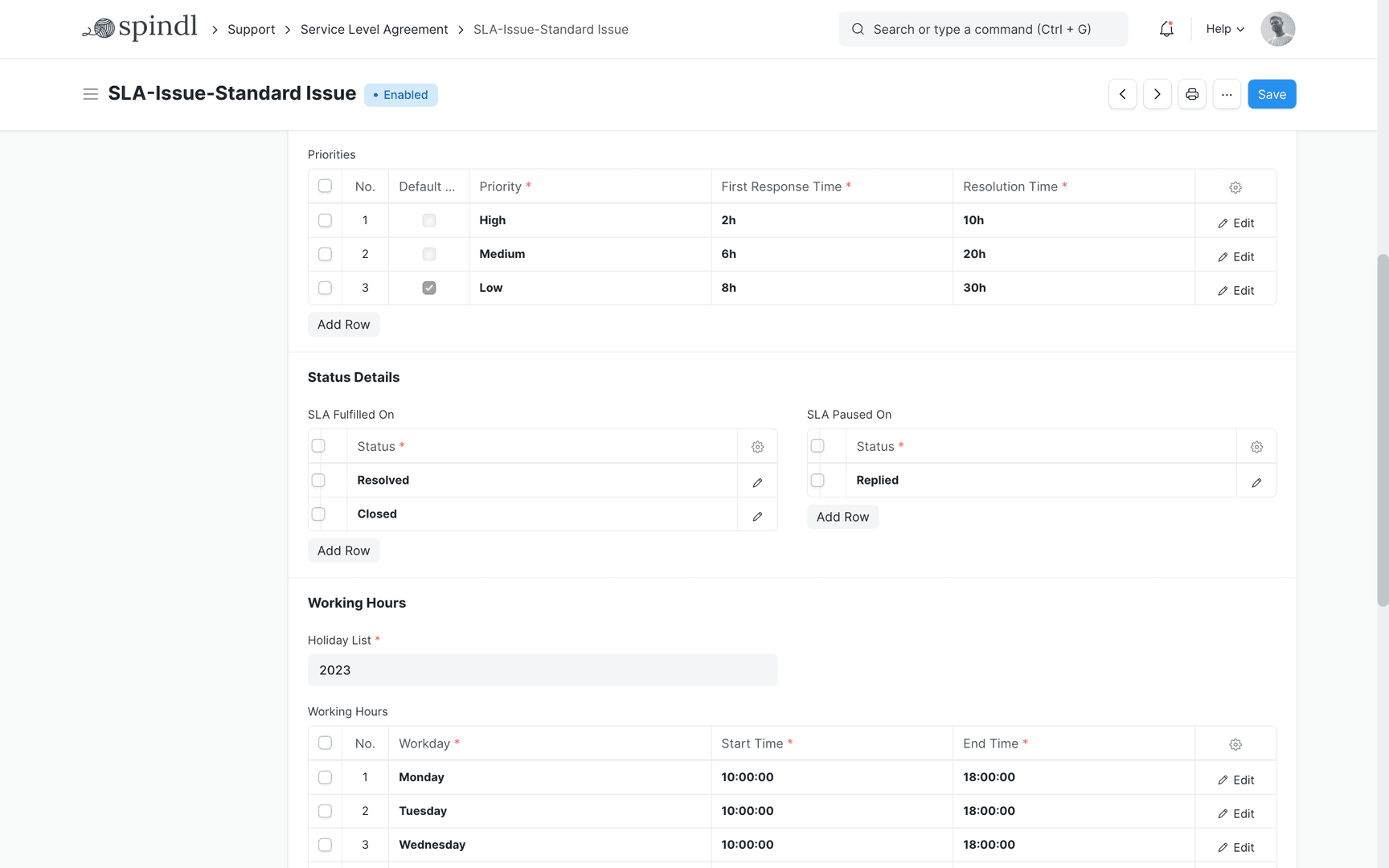
Service Level Agreements
Personalize your customer experience with SLAs (for your support policy, response and resolution times, etc) based on the expectations you set with customers. You can track fulfillment or failures to improve your support process.
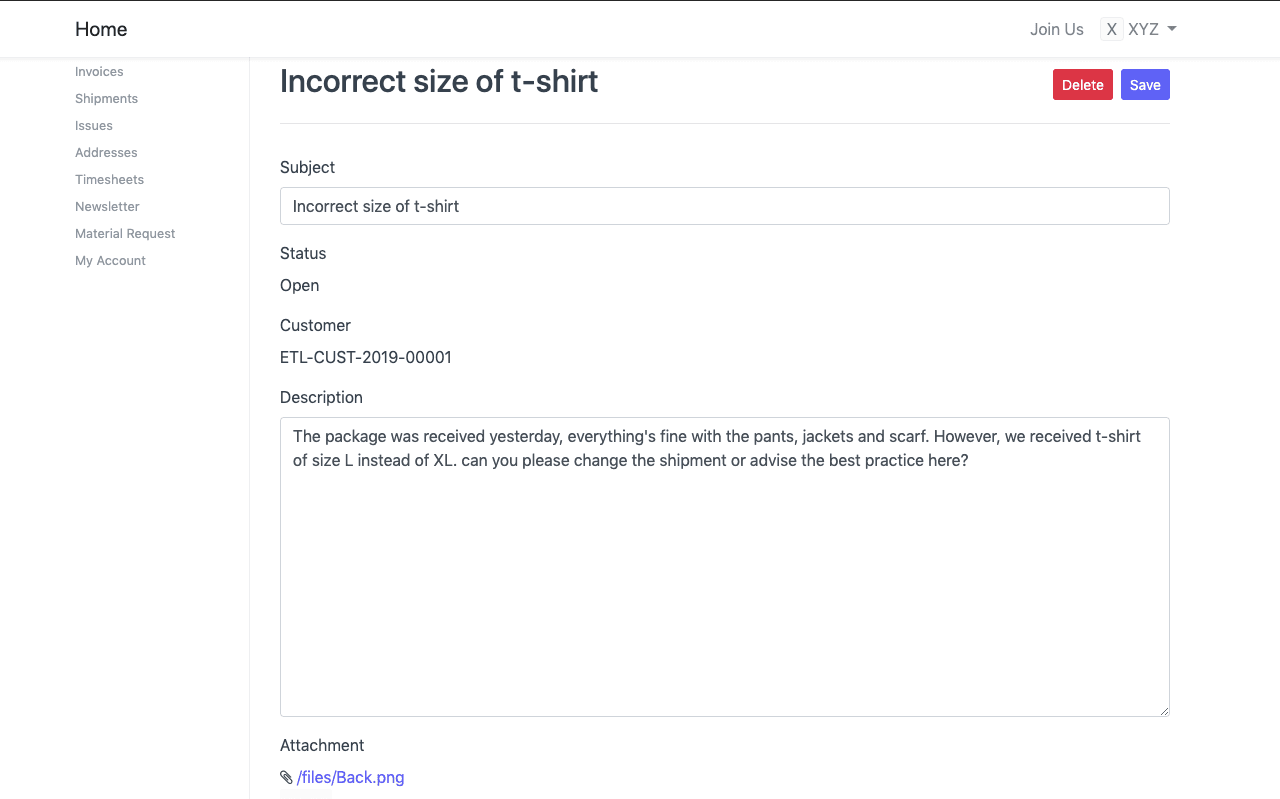
Customer Portal
Level up your customers' interaction with your system and boost customer experience. Your clients can track the status of their issues and your team's correspondence in ERPNext's Issue Portal. Just invite customers as users in your ERPNext account and let them reap the benefits of full transparency — opening sales orders, tracking shipments via delivery note status, raising issue tickets, and tracking resolution details.
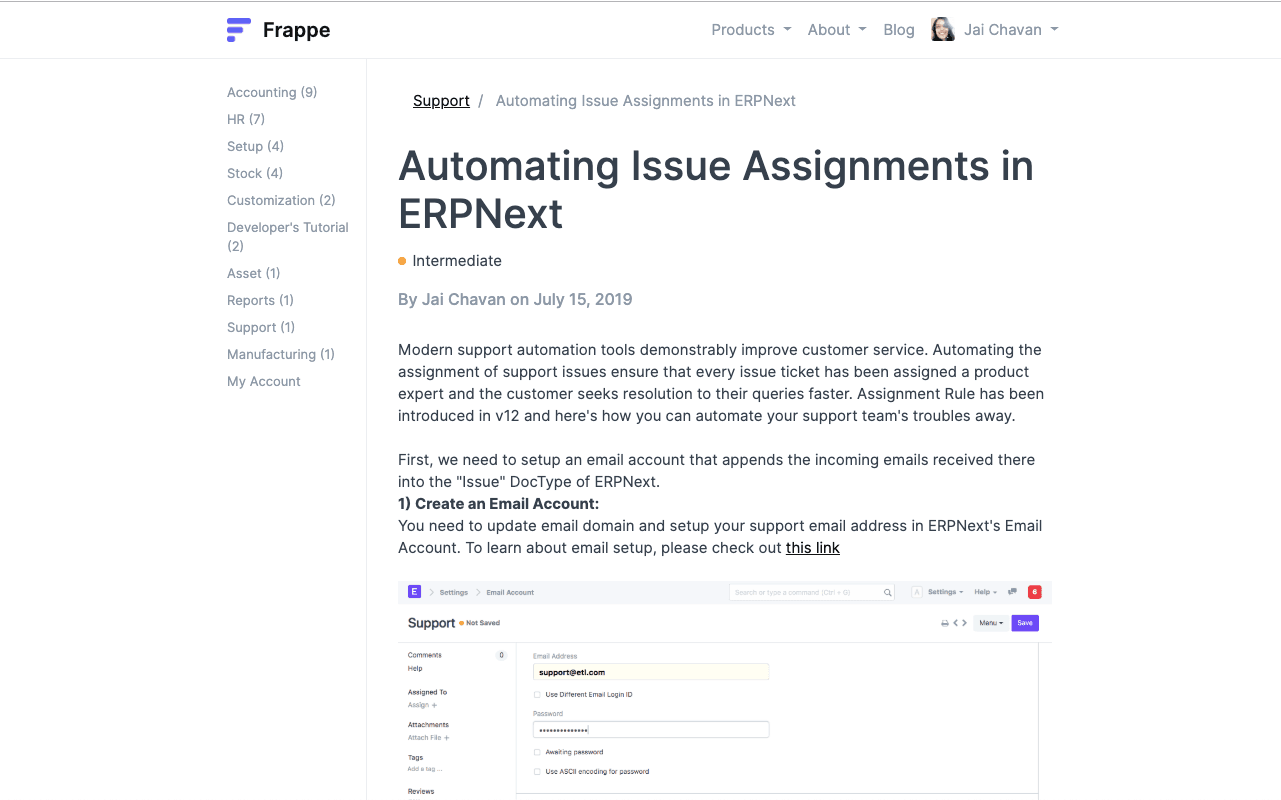
Knowledge Base
Reduce ticket load by creating crisp help articles and FAQs, so that your service team can work on the complex issues that need their attention. This not only expands your knowledge base, but also empowers your customers to find solutions without having to wait for an agent.
Scheduling Maintenance Visits
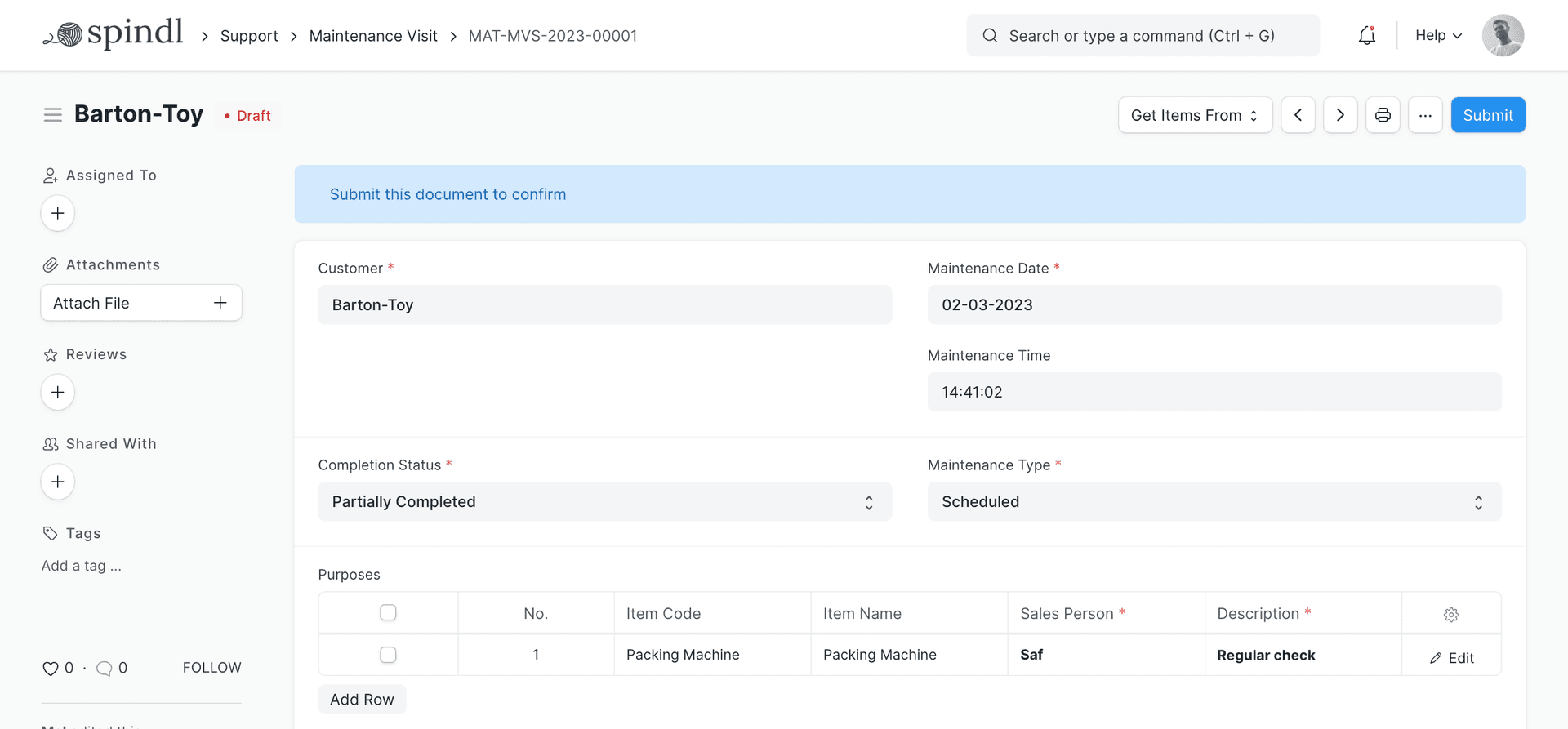
Using the Maintenance Schedule feature, you can avoid missing service maintenance visits. Log the employee and work done in each visit and capture customer feedback, all with a single click.
On-The-Fly Customizations
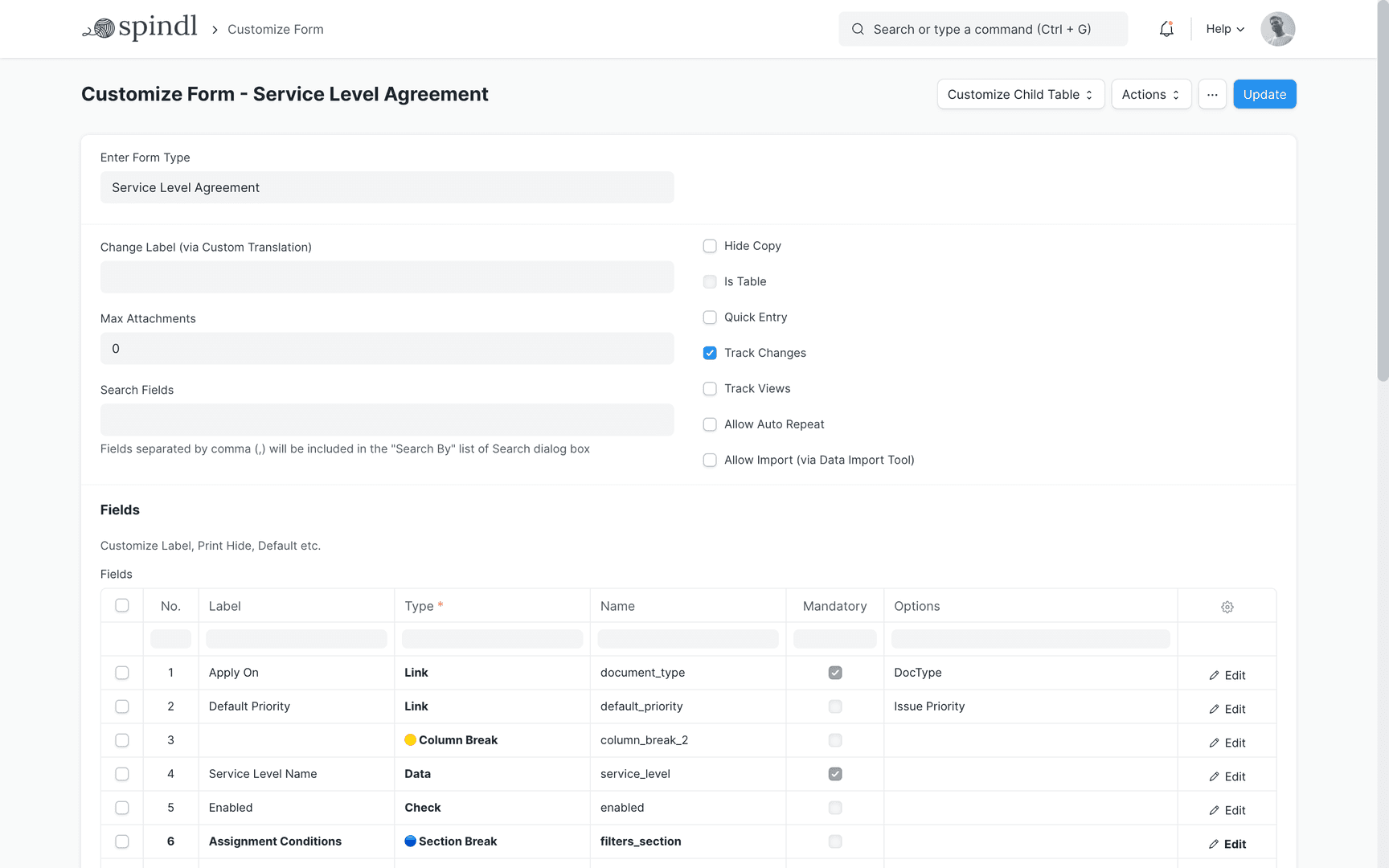
Create your own SaaS help desk software. Map your most important data by adding custom fields in your forms. Customize form behavior by auto-fetching values, hide fields based on user roles, and create custom print formats — all without a single line of code.
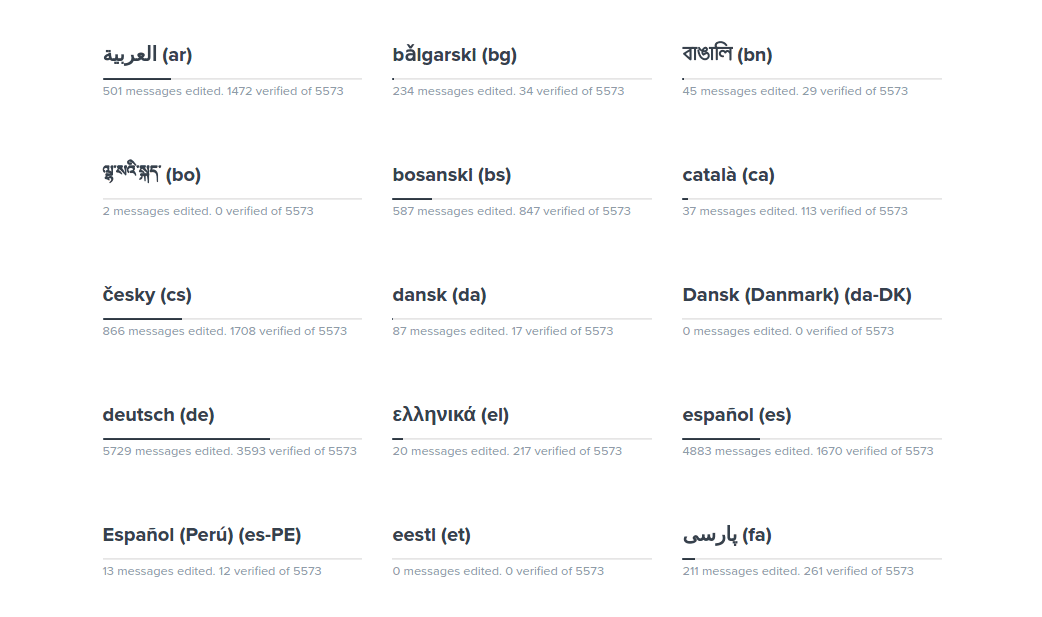
Multilingual SaaS Help Desk Software
Can't find your language? Help us translate: https://translate.erpnext.com